
Two-factor authentication adds a extra verification step to all login try at Good Man Casino, reducing the likelihood that an unapproved person can reach an user account even if the password is known https://goodmanscasino.com/login/. The method needs a single-use token generated by an authenticator app on a handheld device, and the code updates every 30 […]
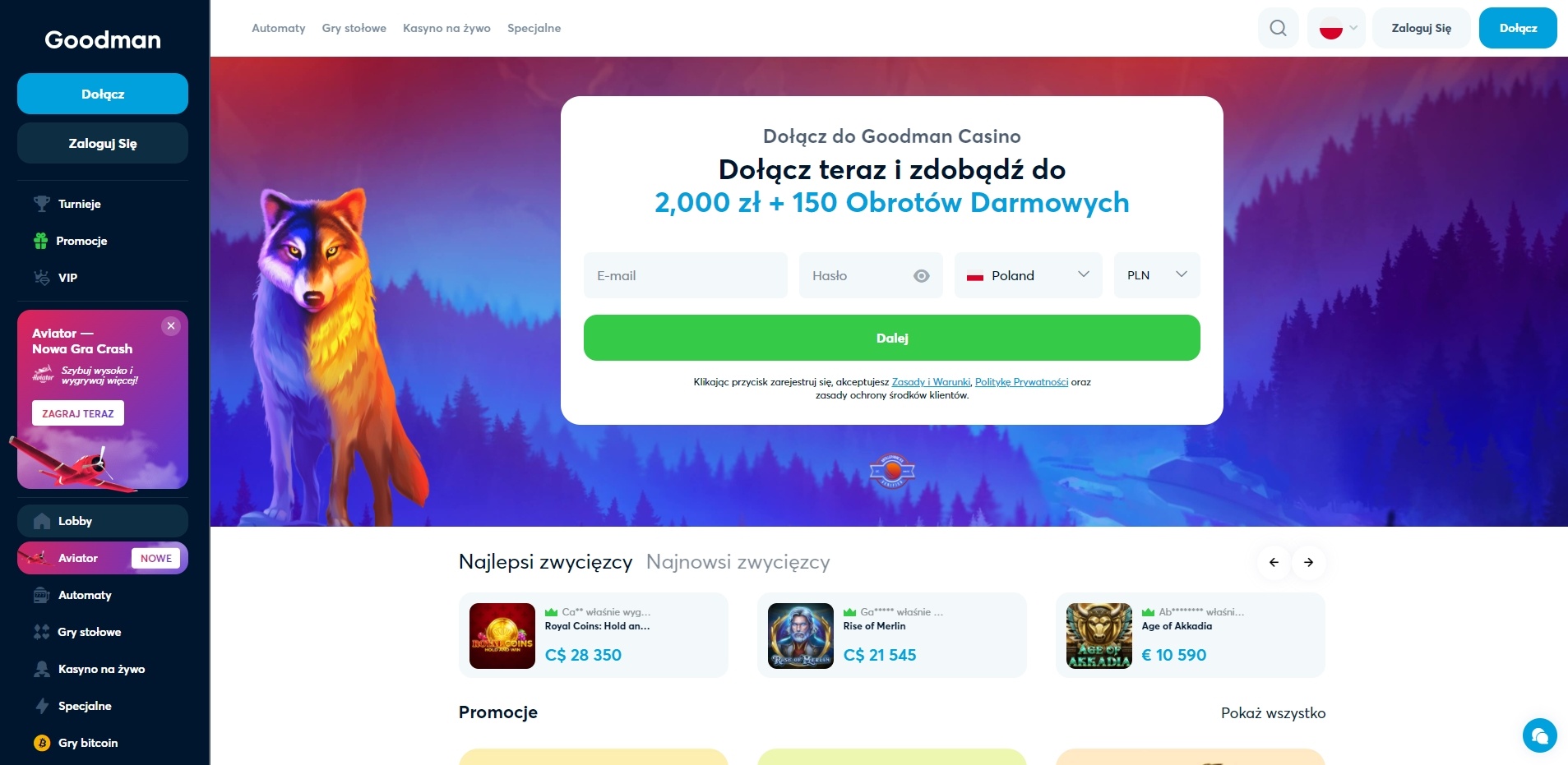
Two-factor authentication adds a extra verification step to all login try at Good Man Casino, reducing the likelihood that an unapproved person can reach an user account even if the password is known https://goodmanscasino.com/login/. The method needs a single-use token generated by an authenticator app on a handheld device, and the code updates every 30 seconds. Players who turn on the feature must finish a quick configuration during or following account creation, after which the supplementary token becomes mandatory on every login from any kind of device. The casino’s platform keeps only a secret key, not the real tokens, so the protection layer operates without transferring private information over the network during each authentication. Account holders can check and deactivate trusted devices from the security section of their account at any time.
Why Two-Factor Authentication Is Important for Casino Accounts

Online gambling accounts contain personal identification details, banking information, and transaction histories that attract fraud attempts. A password alone can be compromised through data breaches on unrelated sites, phishing emails, or malware that captures keystrokes. Two-factor authentication stops these attacks because the attacker also needs physical access to the player’s phone and the current code. Good Man Casino logs each successful and failed login attempt, allowing players to identify unusual activity quickly. The feature is voluntary at sign-up but becomes mandatory after the first withdrawal, ensuring larger transactions are protected by an additional control. Players who neglect the setup receive repeated reminders until the account is secured.
Setting up Two-Factor Authentication Within the Player Dashboard
After verification, players access the “Security” tab under account settings. The two-factor authentication toggle is displayed as a green switch labeled “Enable 2FA.” Clicking the switch triggers a modal window showing a QR code and a text version of the secret key. The player launches their authenticator app, picks the option to add a new account, and scans the QR code or types the key manually. The app immediately starts displaying six-digit codes that refresh every thirty seconds. The player submits the current code into the confirmation field on the casino site to complete pairing. From this point forward, the login screen includes a second input box for the code, and the account cannot be accessed without it.
Login Sequence With Two-Factor Authentication Active
Registered users input their login credentials on the authentication page at goodmanscasino.com/login/. When the login details are valid, the system asks for the security code displayed in the 2FA app. The code must be entered within the 30-second timeframe; or else a fresh code shows up and the old code is no longer valid. Upon successful verification, the player is taken to the lobby. Should the code be wrong three times in a row, the account is temporarily locked for 15 minutes as a precaution against automated attacks. Members who check the “Remember this device” checkbox can skip the code entry on the same browser for 30 days, but the preference is automatically removed if the browser cache or cookies get cleared.
Account Verification and Document Submission Process
Good Man Casino adheres to Australian anti-money-laundering regulations that demand every account to be linked to a real individual before funds can be transferred. Players go to the verification section inside their profile and provide a government-issued photo ID such as a driver licence, passport, or proof-of-age card. A recent utility bill or bank statement displaying the same residential address must also be supplied; the document should be stamped within the last three months. Files are received in JPEG, PNG, or PDF format up to five megabytes each. The compliance team normally reviews submissions within one business day and dispatches an email when the status switches to “Verified.” If information on the documents does not match the registration details exactly, the team demands corrected scans rather than rejecting the account outright.
Account Recovery When 2FA Is Active
Passwords you forgot are renewed through the “Forgot Password” link on the login page. The user obtains an email that includes a single-use reset link valid for one hour. After setting a new password, the system still requires a valid 2FA code before access is permitted. If the phone with the authenticator app is stolen or factory-reset, the player must reach live chat or email support and provide answers to previously set security questions plus a fresh copy of photo ID. Support then disables the existing 2FA pairing, allowing the player to redo the setup process with a new secret key. The temporary removal of 2FA is logged and reviewed by the compliance team to avoid social-engineering attacks.
Detailed Registration Before 2FA Is Activated
Fresh players reach the registration page by selecting the “Join Now” button on the homepage. The form requires a valid email address, a username, and a password that meets the site’s complexity rules: at least eight characters including one number and one symbol. Date of birth and current residential address are collected next to fulfill Australian regulatory requirements. After the form is sent, an email shows up with a verification link that must be used within twenty-four hours. Once the email is validated, the account exists but is kept in a limited state until identity documents are submitted. Players can log in during this period, yet deposit and withdrawal functions are disabled until verification is done. The entire registration sequence usually finishes in under ten minutes when documents are prepared.
Accepted Authenticator Apps and Hardware Requirements
Good Man Casino works with any time-based one-time password application that adheres to the RFC 6238 standard. Common selections include Google Authenticator, Microsoft Authenticator, and Authy, each available for both iOS and Android at no cost. The casino does not deliver codes by SMS, so players require a smartphone fit for installing and running one of these apps. Tablets can also be employed if they remain connected to the internet during login. Desktop authenticator programs are available but are less secure because they stay online continuously; the casino therefore recommends a mobile device that can be protected with a PIN, fingerprint, or face recognition. Players should save the QR code or secret key displayed during setup in case the phone is misplaced or reset.
Typical Issues and How to Resolve Them
Clock discrepancy between the phone and the casino server is the primary cause of invalid codes. Players should make sure the authenticator app is set to automatic time synchronisation within the phone’s settings menu. Another issue arises when multiple accounts are stored in the same app; selecting the wrong entry produces a code that fails. Deleting and re-scanning the QR code for the correct account fixes the mismatch. Sometimes, a player’s phone battery dies during travel and the backup printed secret key is needed to restore the app on another device. Safeguarding the secret key in a secure offline location, such as a home safe, prevents lockouts during emergencies.
Overseeing Trusted Devices and Turning Off 2FA
The security dashboard displays every device that has been designated “trusted” during the preceding thirty days. Each entry indicates the browser type, approximate location, and last login date. Players can revoke access individually or select “Log out all devices” to terminate every active session immediately. Disabling two-factor authentication entirely demands a valid 2FA code plus confirmation via email link; the option is available for users who prefer to rely on password-only access, but withdrawals remain unavailable until 2FA is re-enabled. Good Man Casino advises leaving the feature active and instead employing the trusted-device setting for convenience on personal computers while maintaining protection on shared or public machines.